
ColorGATE’s MIM Combinations ─ Ensure Optimal Interaction Between Digital Printer And Software

Image By Courtesy of COLORGATE


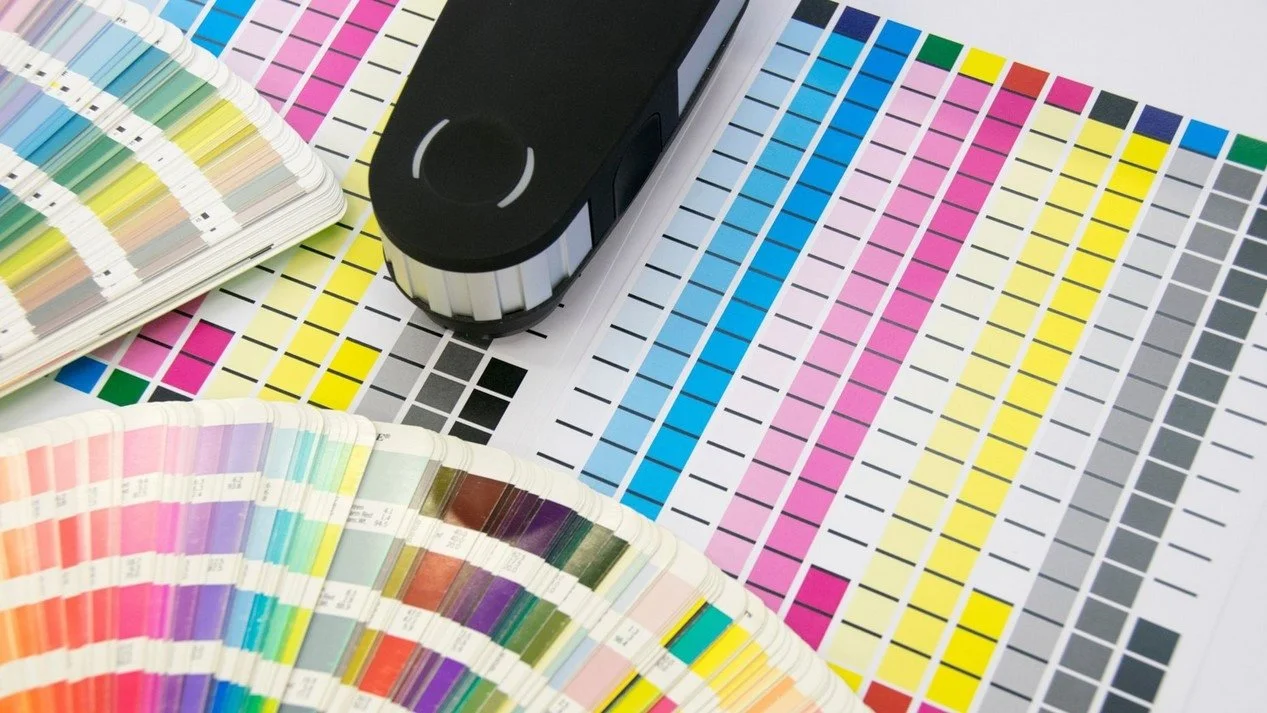
Reliable and reproducible print results and consistently high print quality are essential for professional digital printing.
Whether these requirements are met depends to a large extent on various production-relevant parameters such as the medium used, the ink and other technical settings (e.g. print resolution) and their interaction with the software.
ColorGATE’s MIM Combinations
To ensure that these parameters are reliably available for all printing processes, the ColorGATE software saves all these settings in a so-called MIM combination, where MIM stands for "Media-Ink-Metamode".
The following elements for profile, linearization and print mode settings are optimally linked together in this combination:
Advanced settings for color and process management
An ICC profile that is adjusted to a specific medium
A linearization file for precise control of the ink application
A MIM combination is therefore created precisely for the physical properties of a specific medium in combination with a defined ink for printing on the given printer.
This provides the prerequisites for consistently high print quality.
You only need to ensure that the selected MIM combination corresponds to your printer setup with medium, ink and print mode.
It is possible to save different MIM combinations - each adjusted to the printing environment you are using - so that the print result remains consistent even if the ink or printer changes.
How To Obtain A MIM Combination
Although you have the option of creating a new MIM combination in the ColorGATE software, it is easier and quicker to use existing MIMs.
These are available on the ColorGATE Support Site for download for a variety of printers and media:
1. Go to https://www.colorgate.com/support/en/ and log in with your access data.
2. Go to the “Download Area” and click on “MIM Packages & Profile Targets”.
3. Under “Filter Results”, click on “MIM Packages (Profiles and Linearizations)” and select the manufacturer of your printer.
All available MIM combinations for this printer are then displayed as CMP or CMPZ files and can be downloaded.
About ColorGATE
ColorGATE is the leading company in visual communication that provides software solutions and professional services to establish and grow profitable businesses in the areas of digital print, decoration and online customization.
ColorGATE was founded in 1997 to develop the first ICC-based RIP solution for the European market, supporting large format digital printing and proofing.
Since then, we have expanded our services to deliver impressive and reliable print quality and color in industrial digital printing (textile, ceramic, decor and packaging).
ColorGATE offers workflow solutions, measurement equipment, tools and consumables, as well as industry experts who have the relevant industry know-how and understand the entire process chain.
ColorGATE works with leading technology providers and relies on high-quality components. We are committed to providing our customers with the best possible printing solution and an outstanding customer experience.
We ensure that digital creations are color managed effectively from design to production on any substrate and any printing system, every day and everywhere.


Colour Is Too Important to Leave to Chance
Print will always be the part of the garment people see first.
But the sum of all parts — the fabric, the trims, the fasteners, the finish — is what determines whether a design actually delivers on its promise. Brands that continue to treat colour as a single creative decision, rather than a coordinated technical discipline spanning their entire supply chain, will keep paying for it in re-dips, delays, and disappointed design teams.
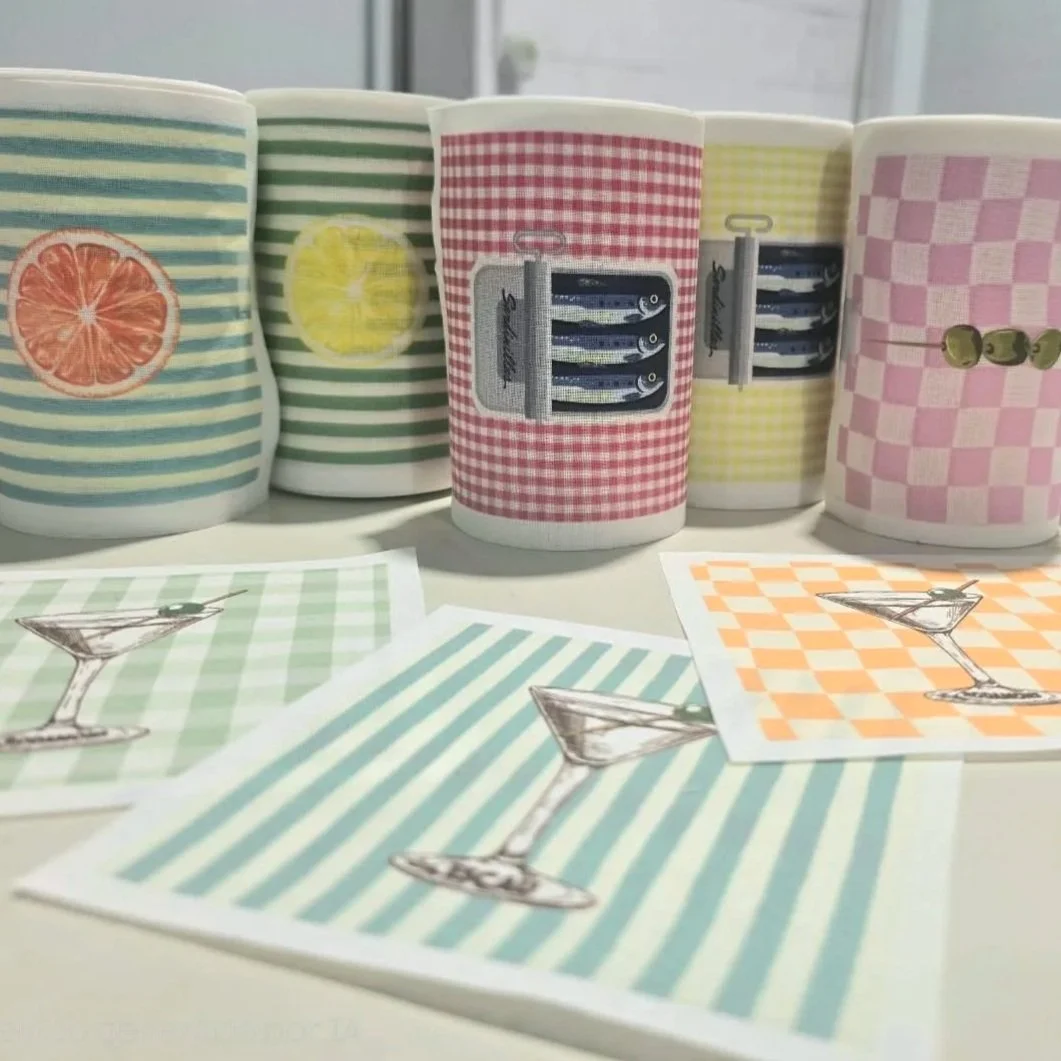
A Century of Textiles, and an Ever-changing World
Few companies can trace their roots back more than a century and still count themselves among their industry's innovators. Texia, headquartered in Monistrol de Montserrat, Spain, is one of them.
But the story of Texia is not simply one of longevity.
It is a story of continual reinvention. As the textile industry has grown more global and competitive, Texia has repeatedly reshaped its business, investing in technology, developing its own brands, and placing sustainability at the centre of its mission. In doing so, it offers a compelling example of how a heritage manufacturer can lead rather than follow through a period of profound industry change. Image Credit: Texia
What are we craving Ultimately?
The instinct to slow down while simultaneously optimising every measurable aspect of life isn't a passing curiosity. It's a structural response to a world that feels increasingly unstable, and it's reshaping what people expect from their homes, hotels, workplaces and healthcare environments alike.
For the design and manufacturing sectors, this means rethinking both product and process.
The Structual Shift is Real and its Already Here
Volumes are moving east, where digital production is accelerating rapidly. Consumer behaviour has shifted.
Demand is now driven by personalisation, shorter buying cycles, and an expectation of near-instant responsiveness. Regulatory pressure is intensifying, with supply chain transparency now a legal and commercial fact in many markets. And margins? They are under sustained, structural pressure.
This is not a temporary disruption. It is a fundamental reordering of how textile manufacturing must operate.

The Challenge: Standing Firm as the Industry Shifts
The wallpaper landscape has changed dramatically. Digital printing has lowered the barrier to entry, spawning countless direct-to-consumer brands and pushing much of the market towards faster, cheaper production.
At the same time, manufacturing in the UK has grown steadily harder - rising minimum wage, national insurance, energy and substrate costs all bear down on margins. Surface Print have embraced all of these challenges - and stand resolutely prepared for the future.
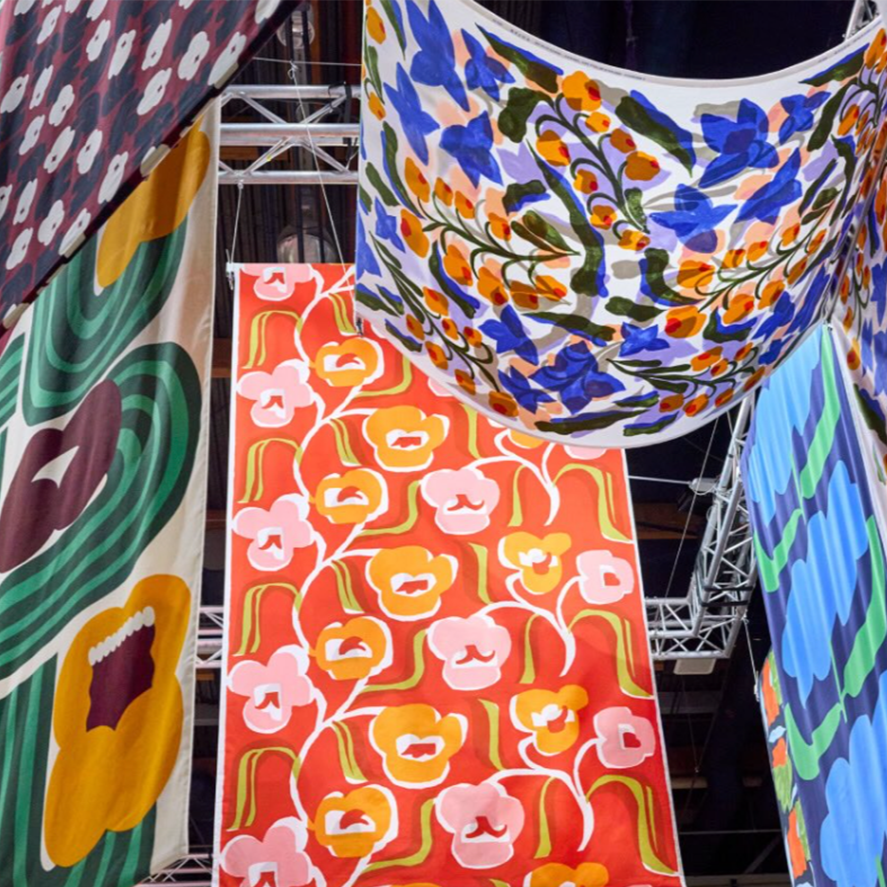
From Helsinki's printing mill to Paris's Le Marais, discover how Marimekko is scaling a design-led brand with purpose, craft, and bold innovation.
But what makes Marimekko's story compelling is not just its aesthetic legacy?

The word "toxic" carries weight. It conjures danger, harm, and things best avoided.
“Yet in the textile industry - Where between 3,000 and 10,000 chemicals move through the supply chain, a reflexive fear of the term is one of our biggest obstacles to progress.”
This article distils the key takeaways and what buyers, designers, and brands should be asking right now.
What Is the Digital Product Passport?
At its core, a Digital Product Passport is a digital record attached to a physical product - For a printed textile product, this means the DPP would capture data on the substrate, inks and dyes used, the printing process and technology, chemical compliance, environmental impact (including water and energy use), supply chain traceability, and end-of-life instructions.
The Market Gap that Changed Everything
Future Fashion was founded in 2019, timed deliberately to coincide with a pivotal moment in global textile technology: the commercial launch of the EFI Reggiani BOLT Single-Pass digital printing system.
The founders recognised that single-pass architecture had fundamentally changed what was industrially possible - and that Pakistan's domestic market had yet to catch up.
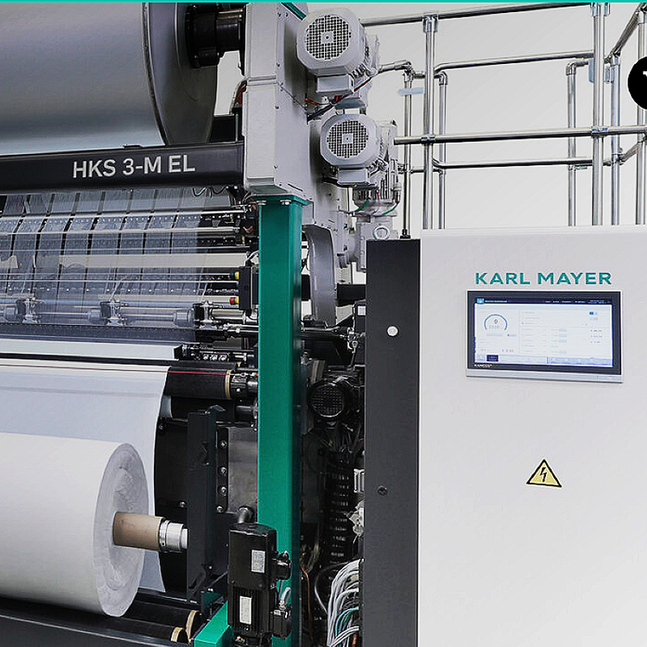
Oberthausen – Germany – September 2026 – KARL MAYER has announced the launch of a new, highly productive model of its HKS 3-M EL, engineered to meet the escalating demands of the sporting goods market.
The extra-wide tricot machine combines a working width of 330", expandable by a further 10", with production speeds of up to 2,800 min⁻¹, setting a new performance benchmark for manufacturers of modern sporting goods.
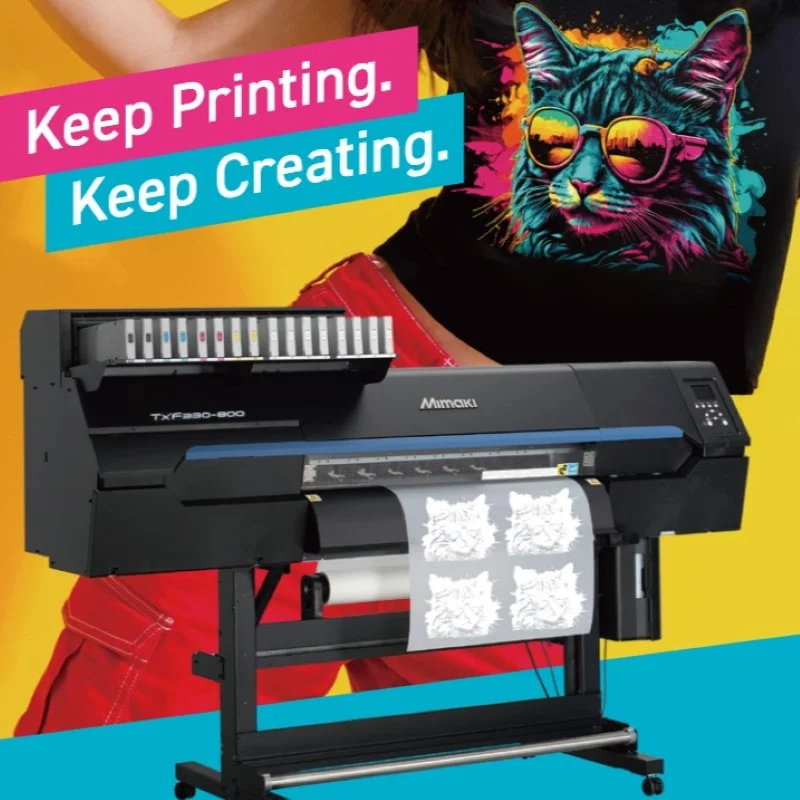
Crewe – Cheshire - UK – 18 September 2026 – Hybrid Services Ltd, the official Mimaki distributor for the UK and Ireland, today highlighted how Mimaki's advanced white ink technology is setting a new standard for Direct-to-Film (DTF) printing, addressing a critical challenge facing garment decorators across the industry.

Tonbridge – UK – September 2026 Compass Business Finance will return to The Print Show this year, inviting visitors to explore their game plans for growth and the strategic decisions that can help drive long-term success in an increasingly fast-moving market.
Located on Stand P580, Compass will deliver an immersive experience designed to explore the challenges, opportunities and key business decisions facing print companies today.
Rather than offering generic advice, the stand will encourage visitors to think differently about their ambitions, investment priorities, and the practical steps required to move their businesses forward with confidence
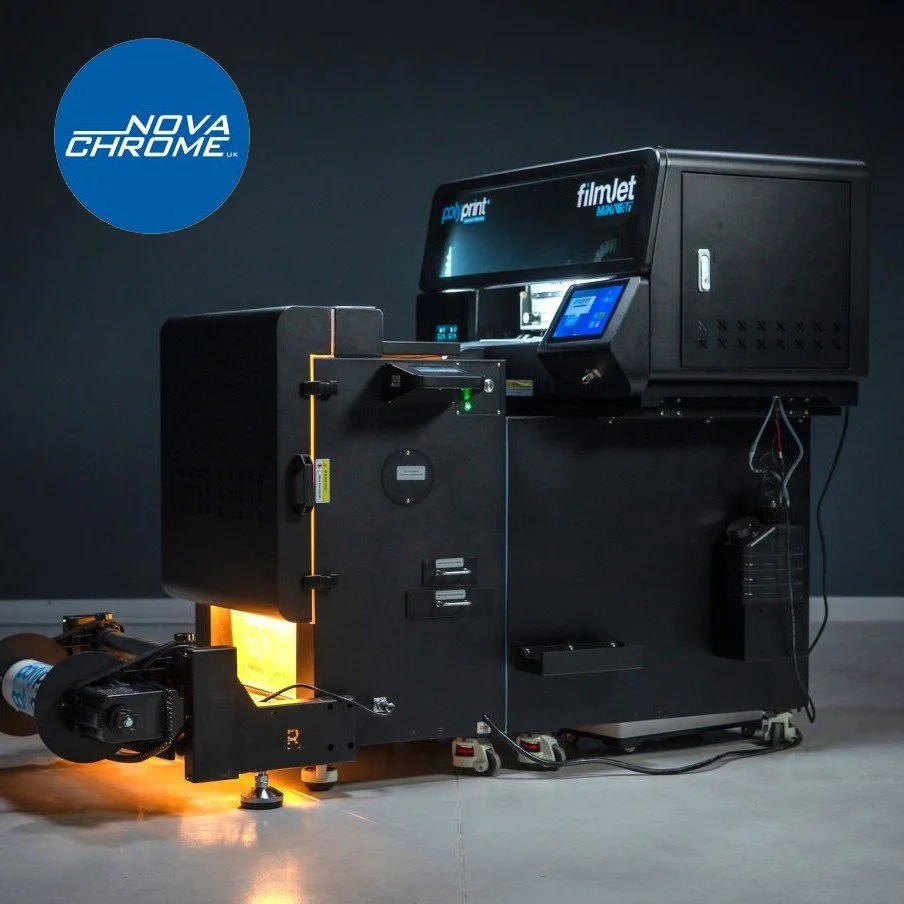
Anglesey – September 2026 – Nova Chrome UK has today announced the launch of the Filmjet Mini, a new series of all-in-one direct-to-film (DTF) printers designed to eliminate the complexity of running separate printing, powder application, and curing units.
Built by PolyPrint, a garment printer manufacturer since 2006, the Filmjet Mini brings together everything a business needs to start DTF production within a single, compact machine.
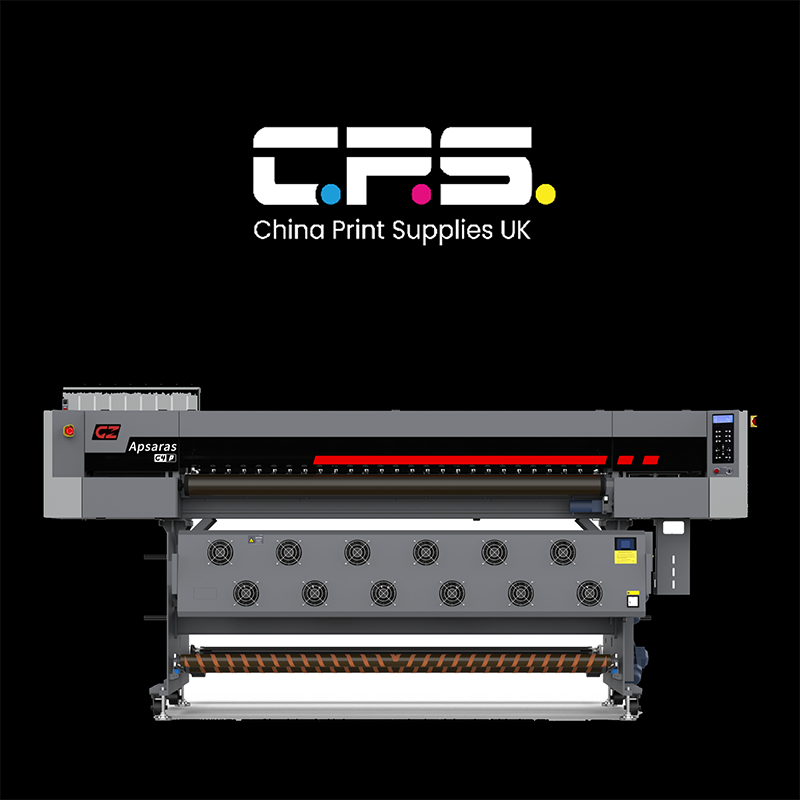
China Print Supplies has expanded its textile offering with nine Gongzheng Apsaras printers, covering dye sublimation, direct-to-fabric pigment printing and hybrid working.
The full range is available now, and adds textile to a Gongzheng line-up the company already sells across UV and eco-solvent.
You can learn more about these printers by talking to China Print Supplies at The Print Show later this month (stands S220 and S420).

Dorking – UK – September 2026 – FESPA has announced a new instalment of its FESPA Insights webinar series, focusing on one of the garment decoration industry's fastest-growing opportunities: personalised apparel.
The session, titled "Scaling Your Personalised Apparel Business", will take place on 29 September 2026 at 14:00 BST.
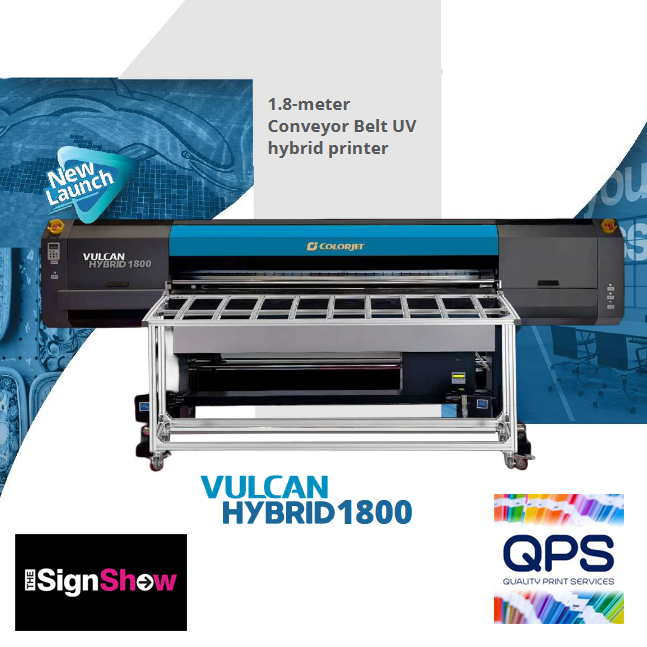
Burscough, UK, September 14, 2026: Quality Print Services (QPS) has announced it will showcase six printers from across the ColorJet and Roland DG ranges, alongside Nazdar's alternative digital inks, on its stand (150) at The Sign Show 2026.
Taking place in hall 1 of the NEC in Birmingham from 29 September to 1 October, The Sign Show, co-located with The Print Show, gives visitors access to both events with a single registration.
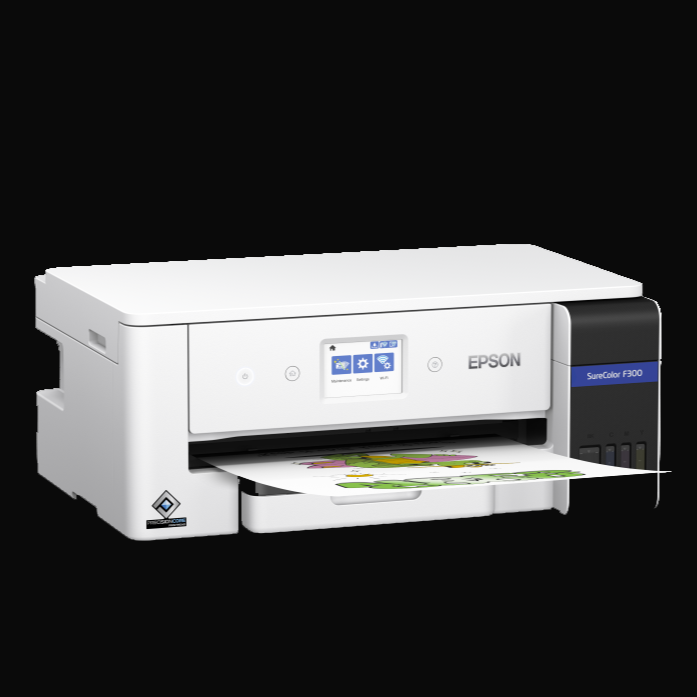
September 2026 - Epson today announces the SureColor SC-F300, a new A3 dye-sublimation printer designed to help small businesses and growing personalisation providers produce professional-quality output with a compact, user-friendly workflow.
The SC-F300 is positioned to help users broaden their product offering – supporting expansion from A4 into

Mortsel – Belgium – September 2026– Agfa has today announced the launch of the Jeti Tauro H3300 HS, a new hybrid UV LED inkjet press that extends its award-winning Tauro family.
Built on technology and insights gathered across the entire Tauro range, the new press is designed to meet the productivity demands of today's print service providers while offering a clear path for future growth.

Summa announces the expansion of its F Series Vantage platform into large-format production environments with the introduction of the F1832, F3220 and F3232.
Designed for high-volume signage, packaging, textile, and industrial applications, the new models extend the philosophy behind the F Series Vantage: delivering productivity gains across the entire workflow.
Alongside the new large-format models, Summa also introduces the F1625CF, a dedicated configuration optimised for dry carbon fibre cutting
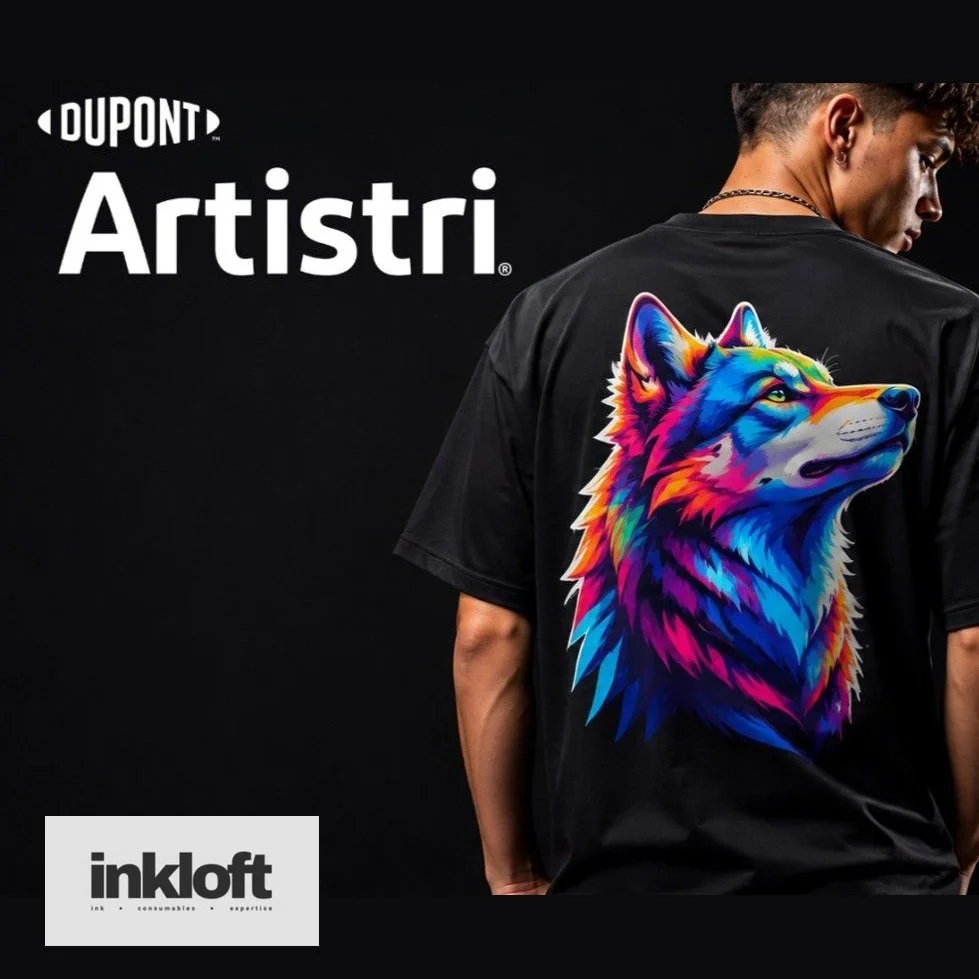
United Kingdom – September 2026 – Inkloft, a new specialist digital printing business founded by Gary Weyman and Andy Hancock, has announced its entry into the direct-to-film (DTF) market.
The company has been appointed as a distributor of DuPont™ Artistri® DTF products, including P1600 inks and Artistri Jettable Adhesive JA1100, both now available to purchase online through inkloft.co.uk.

Tokyo, Japan – September 2026 – Seiko Epson Corporation today announced the launch of CONTOURJET, a new brand for its Direct-to-Shape Printing System, combining Epson's proprietary inkjet and robotics technologies to meet the growing global demand for decorating complex three-dimensional objects.
Under the CONTOURJET brand, Epson will deliver a total solution encompassing enhanced system performance, inks, related software, implementation support, and maintenance services.
The offering is designed to help customers improve efficiency in decoration processes, reduce environmental impact, and unlock a wider range of creative designs.

LAS VEGAS, NV. September 15, 2026 – Fiery, LLC, the print industry’s leading innovator of digital front ends (DFEs) and workflow software, today announced it is showcasing an end-to-end portfolio of solutions that power all corners of the digital print room at PRINTING United 2026 in Las Vegas, Nevada.
Fiery’s award-winning products power printing’s broadest range of applications, including commercial print, large format, industrial inkjet, direct-to-film, direct-to-garment, and more.
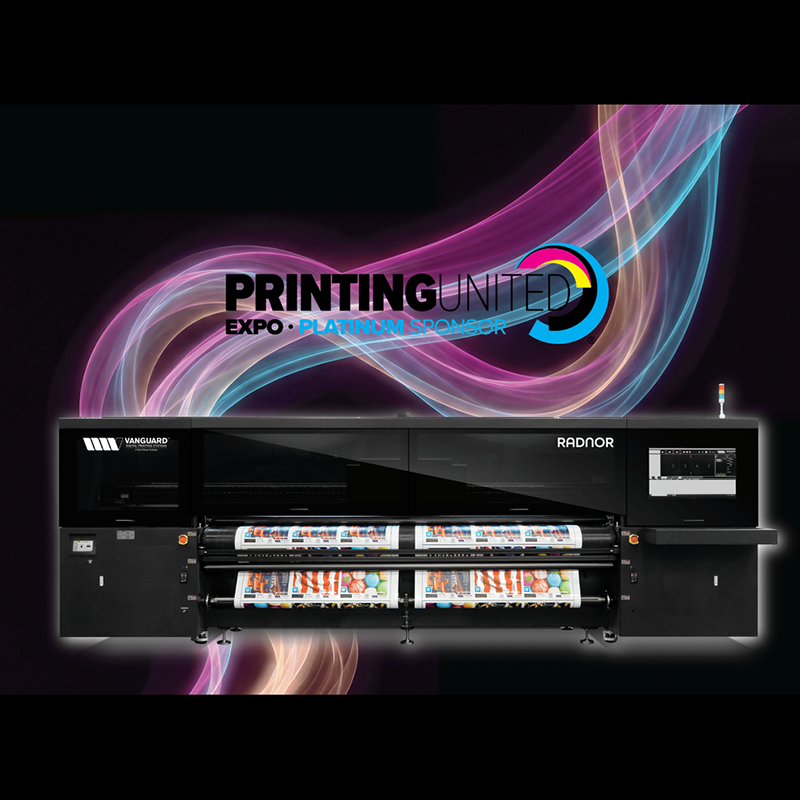
Franklin, TN – September 2026: Vanguard Digital Printing Systems, a Durst Group Company, returns to the PRINTING United Expo with a lineup that reflects the fast moving, boundary pushing, revolutionary company it has become.
In booth C1514, visitors will experience Vanguard’s proven technology, continued innovation and an all-new solution that will change the way print formed service providers think about production.

Birmingham, UK – September 2026 – Perfect Colours has announced its participation in The Print Show 2026, taking place at the NEC Birmingham from 29th September to 1st October.
The company will be offering bespoke, hands-on demonstrations of the Canon UK Colorado M5W, giving visitors the opportunity to witness the technology firsthand and explore how it can transform their production capabilities.

Leicester – UK = September 2026– Vivid Laminating Technologies Ltd, a leading innovator in finishing technology, has announced that its award-winning Veloblade Nexus has been selected by 5 Studio UK, a specialist in large-format print and exhibition stand production, to support the creation of high-quality exhibition stands.
The Veloblade Nexus was chosen for its precision etching and engraving capabilities, which allow 5 Studio UK to deliver premium wood-finished displays for clients across the UK, Europe, and beyond.
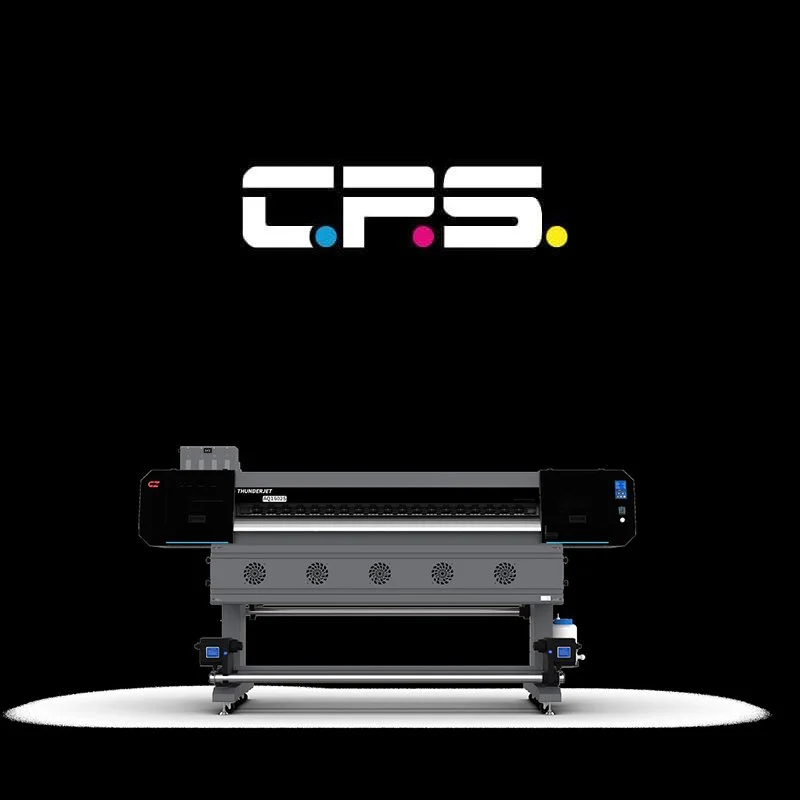
Telford, UK – September 2026 – China Print Supplies UK Ltd will unveil the Gongzheng ThunderJet AQ1602S at The Sign Show, offering visitors a hands-on demonstration of its latest entry-level eco-solvent printer at stand S220 + S240.
The ThunderJet AQ1602S is a professional 1.6m eco-solvent printer engineered for high-quality signage, graphics, and display production

Reading, UK – 15 September 2026 – HP has announced it will showcase four machines from its HP Latex portfolio, alongside the HP DesignJet Z9+ and HP PrintOS Production Hub, at The Print Show and The Sign Show 2026.
Taking place from 29 September to 1 October in Hall 1 of the NEC Birmingham, the event will feature live demonstrations and application examples highlighting opportunities across sign-making and wide-format print.

Paris - France – September 15th 2026 – Optitex, a global leader in fashion technology, has today announced the release of O/26.1, the latest evolution of its industry-leading software suite.
The update strengthens the tools that fashion and apparel businesses rely on daily, introducing enhanced pattern design capabilities, more flexible cut planning, and a smoother, more connected cloud experience through OPTINEDCloud, formerly known as O/Cloud.
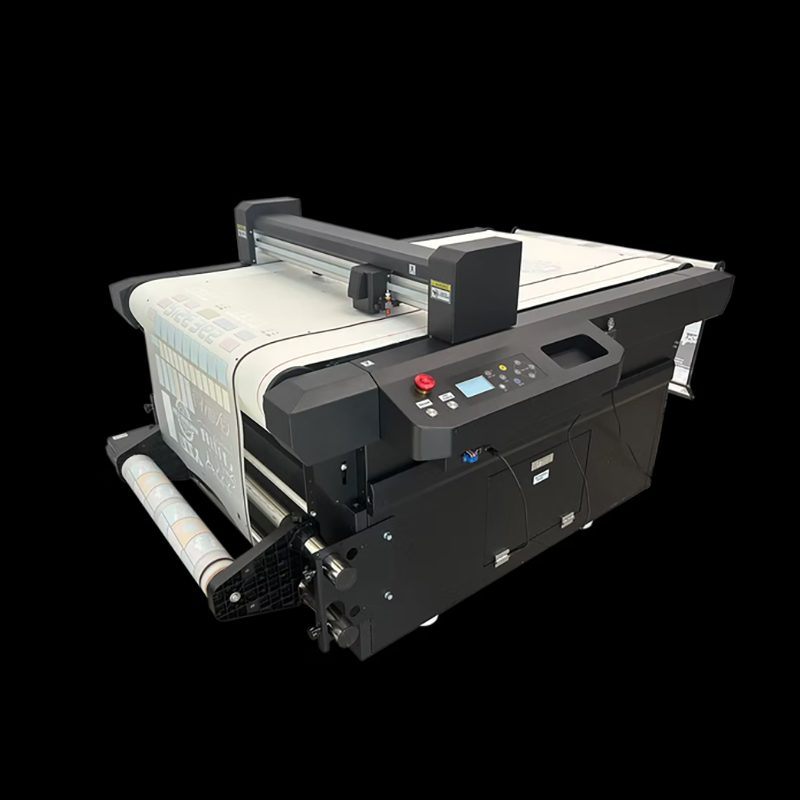
Clay Cross – September 2026 – Resolute DTF has confirmed it will unveil its latest range of digital cutting solutions at The Print Show 2026, held at the NEC Birmingham from 29 September to 1 October.
The announcement reflects the company's continued commitment to advancing production efficiency across the DTF, vinyl, UV DTF transfer and label sectors.
Visitors to Stand P610 will be given a first-hand look at three cutting systems designed to address the industry's growing demand for accuracy, flexibility and streamlined workflows.

Hamamatsu, Japan – September, 2026 – Roland DG, a leading manufacturer of wide-format digital printing solutions, has announced the launch of the TrueVis MG2 Series, a next-generation UV printer/cutter range comprising the MG2-640 and MG2-300.
Designed to help print businesses increase profitability, the new series combines significantly higher productivity, exceptional print quality, advanced application capabilities and lower running costs in a single integrated UV Print & Cut solution.

September 2026 – Georg+Otto Friedrich GmbH, a fourth-generation German textile manufacturer, today announced its participation in PRINTING United Expo 2026, North America's largest gathering of the print industry.
The company will exhibit at Booth C1996 from 23–25 September 2026 at the Las Vegas Convention Center.
The expo represents a pivotal opportunity for Georg+Otto Friedrich to demonstrate how warp-knitted polyester is reshaping the possibilities of digital printing.
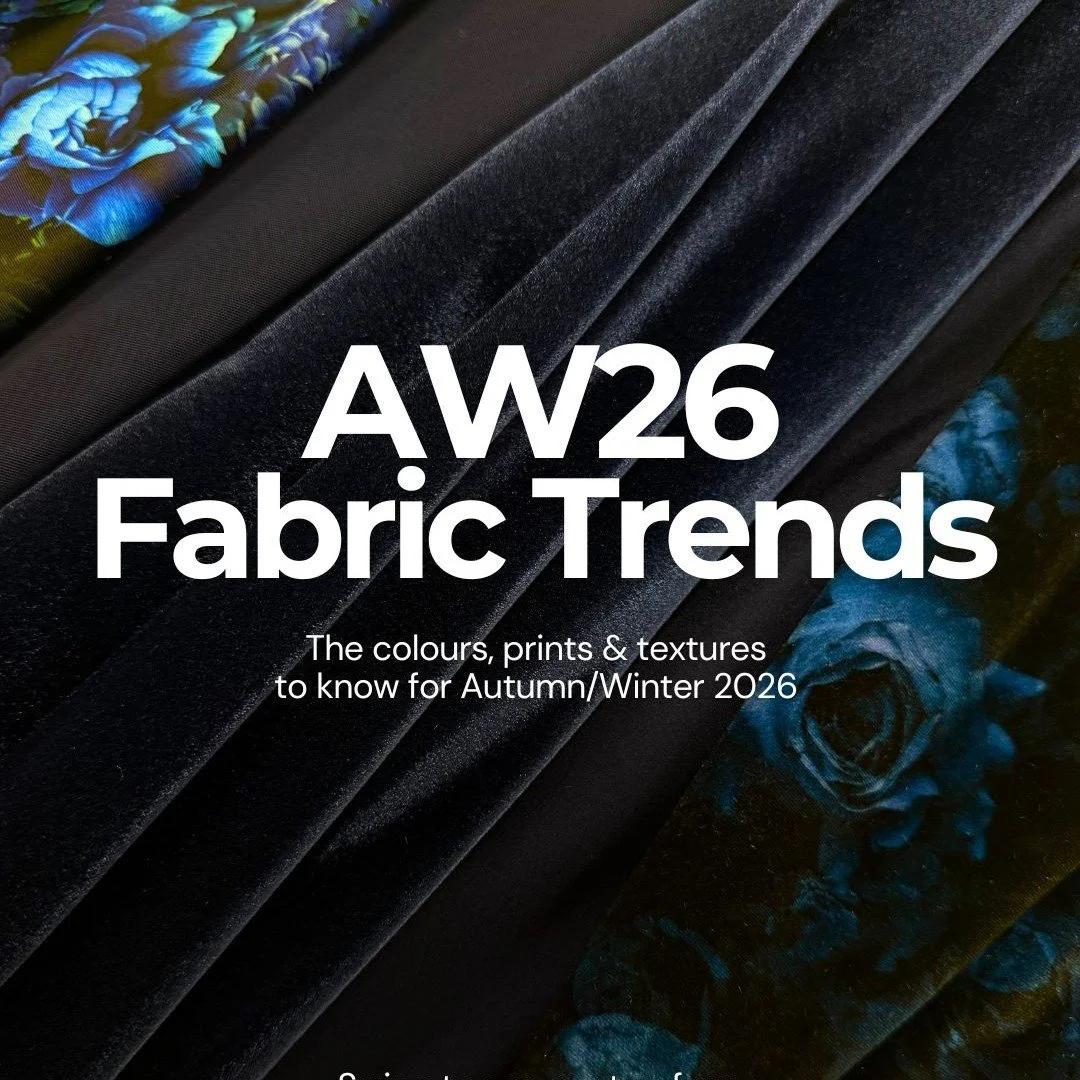
Altrincham – Cheshire – Funki Fabrics has today released its Autumn/Winter 2026 fabric trend report, identifying four key directions set to define the season: warm neutrals, deep jewel tones, vampy cherry reds and dark, moody botanicals.
The report offers designers across dancewear, performance wear, costume and beyond a clear framework for translating seasonal colour and print movements into fabric choices.
According to Funki Fabrics, AW26 marks a decisive shift towards richer, more dramatic palettes.
Cool creams and pale beiges are giving way to toasted beige, camel and biscuit browns, offering warmth and versatility as either standalone tones or a base for bolder accents.

Colombo, Sri Lanka – September 2026 – Winterquilts (Pvt) Ltd., one of Sri Lanka's leading garment manufacturers and exporters, has invested in Coats Digital's award-winning GSDCost solution together with its newly launched AI-powered GSDQuest platform.
The move is designed to standardise garment costing, improve costing accuracy and accelerate Bill of Labour generation across the company's manufacturing operations.

London, UK – September 2026 – The Only Natural International Student Design Competition 2026, supported by Artsthread, has revealed its Category and People's Choice winners.
Selected from an exceptional field of entries from student designers across the globe, this year's winning projects span Fashion and Home, showcasing outstanding creativity, craftsmanship and innovation in the use of natural materials.

Bressanone – September 2026 – Durst Graphics today features its P5 350 CORE, a new 3.5-metre hybrid printing platform designed to serve as an accessible entry point into the wider Durst Ecosystem.
The system brings together proven technologies from across the P5 portfolio, offering print businesses a reliable and future-ready first step into industrial digital printing.
This machine reflects Durst's continued commitment to lowering the barrier to entry for print operators seeking dependable, scalable technology without compromising on quality or performance.

Peterborough -September 2026 – Snuggle, a leading trade fulfilment provider, has today announced it is the first company in Europe to install three Epson G9000 DTF systems, marking a significant expansion of its production capacity to meet surging demand from trade customers across the UK and Europe.
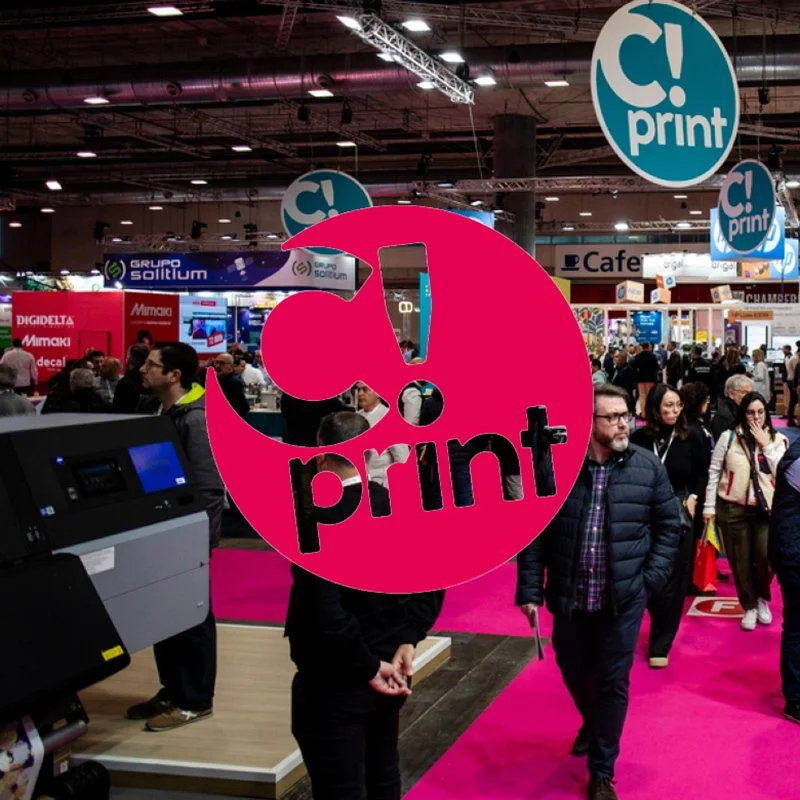
The graphic industry is changing at high speed. Automation, artificial intelligence, personalization, new materials and sustainability are transforming the way products are made while, at the same time, opening up new business opportunities for professionals in the sector.
Against this backdrop, C!Print Madrid 2027 will bring together manufacturers, distributors, printers and professionals from the printing and visual communication world at IFEMA MADRID from January 12 to 14, showcasing the technologies and trends driving this evolution.
This eleventh edition arrives with a strong market response: 90% of its more than 7,000 m² of exhibition space is already booked, with leading companies in the sector such as HP, Epson, Fujifilm, Roland DG, Mimaki, Digidelta and Konica Minolta, among others
Las Vegas – Nevada – September 2026 – BARBIERI electronics, a specialist in colour measurement technology, has announced its sponsorship of the G7+ Exchange, an industry gathering set to take place ahead of PRINTING United Expo 2026.
The event will bring together experts and professionals from across the printing sector to discuss advancements in colour management and print quality.
The G7+ Exchange will be held on 22 September 2026 at the Las Vegas Convention Center, Room N109, as part of the broader PRINTING United Expo.

FREMONT, CA. September, 2026– Fiery, LLC, the leading provider of digital front ends for the print industry, today announced it will host an exclusive webinar titled "Beyond CMYK: From more colours to more impact" on Tuesday, 6th October 2026 at 5:00pm CEST.
The 45-minute session will explore how commercial print businesses can move beyond the constraints of standard CMYK to unlock bolder colours, sharper precision, and stronger margins through expanded gamut printing.
As brands increasingly demand vibrant, exact colour matching, print providers who rely solely on standard CMYK risk falling behind.