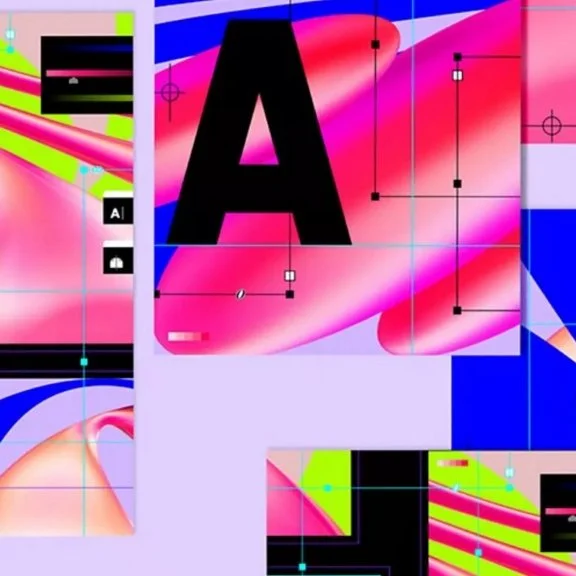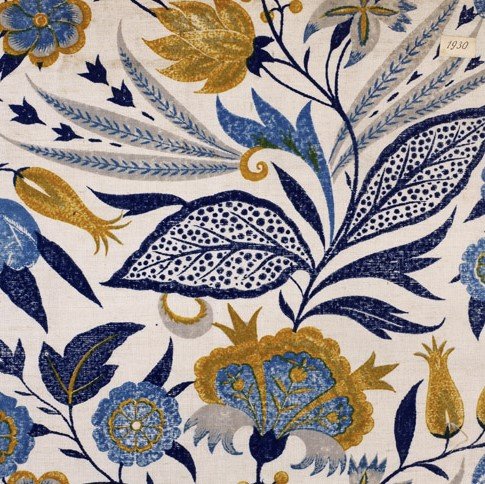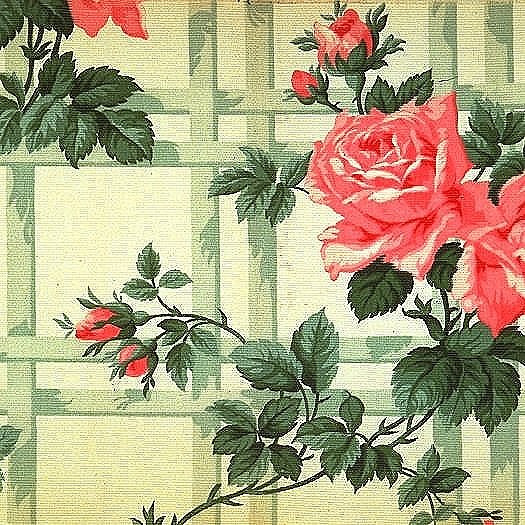
DESIGNING TEXTILES USING PHOTOSHOP : ONLINE SHORT COURSE AT CITY LIT
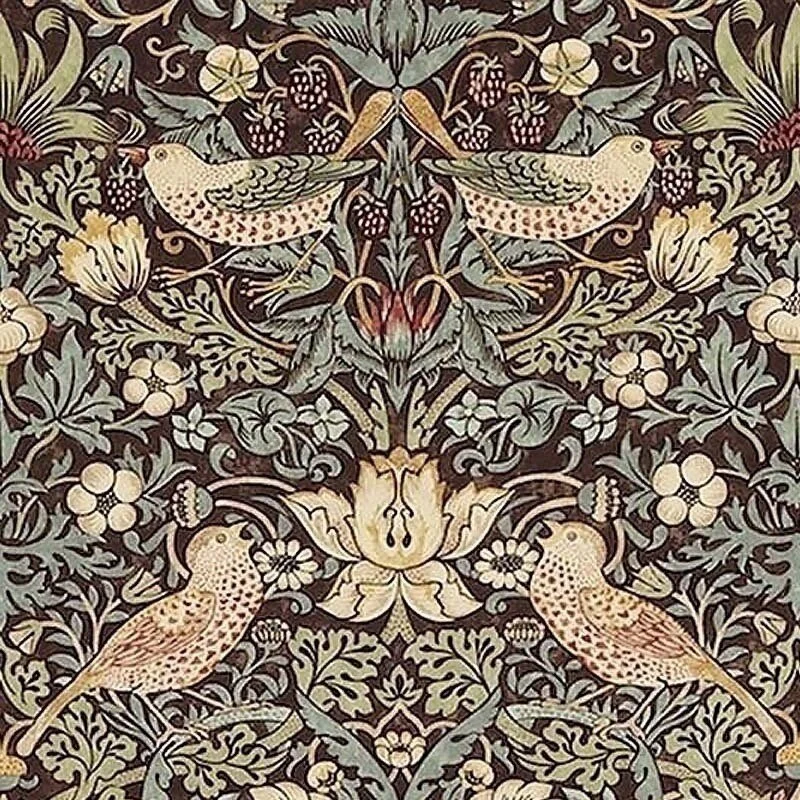
19th Century English Textile
Course Dates: 18/05/22 - 06/07/22
Time: 18:00 - 21:00
Location: Online
Tutors: Kirsty Kirkpatrick
Learn to create motifs and pattern for textiles. Ideal for beginners in Adobe Photoshop who are textile artists, designers or anyone interested in creating prints, exploring colour and structure.
What Is The Course About?
This creative course covers the basic technical Photoshop knowledge required to create motifs and tiles from your own artwork and images.
You will be taught step-by-step instructions on how to digitally design and develop textiles using Adobe tools.
We will initially start in the classroom where you will be guided into the software and scanning possibilities, developing a body of drawings.
As we progress we will delve deeper using live online demonstrations, presentations, and activities investigating scale, composition, design development and pattern structure. Later in sessions we will return to the class to print onto fabric and paper.
This is a live online course. You will need:
- Internet connection. The classes work best with Chrome.
- A computer with microphone and camera is best (e.g. a PC/laptop/iMac/MacBook), or a tablet/iPad if you don't have a computer.
- Earphones/headphones/speakers.
We will contact you with joining instructions before your course starts.
What Will We Cover?
• Cleaning up scanned images and artworks
• Creating textures and drawings using the pencil and brush tools
• Developing motifs and designs by hand and on screen
• Working with colour images including photographs using photomontage techniques
• Explore placement patterns, half drops and all-over seamless repeat pattern
• Managing colour and saving swatches
• Sending files to print in our digital lab for sublimation white printing your own designs
• Printing possibilities for textiles - on paper and cloth using the heat press
You will work to a project of your choice, relating to your own work or favoured theme, with guidance from the
tutor.
What Will I Achieve?
By The End Of This Course You Should Be Able To...
• Feel confident in using a computer and Photoshop for textile design
• Produce evidence of image and design research and design development
• Produce and save a range of digital textile designs for future development
• Feel challenged to take design work further in the future
• Produce some designs as prints on paper or fabric.
What level is the course and do I need any particular skills?
Beginners are welcome at this introductory level course. You must have some experience of using a computer even basic computing skills. Understand simple instructions, measurements and calculations.
How will I be taught, and will there be any work outside the class?
• This course will be a mix of face-to-face taught class sessions and online LIVE sessions
• Macs will be used in face-to-face sessions in weeks 1&2 and 7&8
• Weeks 3-6 you will be taught using Zoom for the LIVE technical demonstrations sessions with your tutor
• Google Classroom platform will store all tasks/session slides/notes/resources/ and live sessions links
• You will need to login into our Google classroom before our sessions starts.
• Group discussions and problem solving with Q&A
• We suggest you practise in your own time between sessions to develop skills. You will be able to access all notes at any time during the course and students will have a biweekly 1:1 time with the tutor
• You will look at historical and contemporary pattern design.
Are there any other costs? Is there anything I need to bring?
• You will need a computer with update-to date version of Adobe Creative Suite Photoshop and update version of Chrome as a browser. Your computer must have a camera built in as we will be sharing screens in live sessions
• You will require a good broadband connection as mobile data 3G/4G or a mobile dongle will not provide sufficient Bandwidth.
• Please use headphones with microphones during our sessions as this will block out all room noise in sessions
• Some basic drawings materials, black pens, a sketchbook or A4 white paper, note pad to take notes
• Using your phone to take images
• As USB for transfer scans or work while in classrooms
This course is taught using Adobe Creative Suite, Photoshop software. You can gain a free trial of Photoshop software for 7 days then use a student discount to subscribe to your needs or course length.
You will need to purchase or download this software before the third session.
If you require proof of studentship or enrolment to qualify for a student discount, please email visual.arts@citylit.ac.uk at least 3 working days before the course start date.
Wherever possible, please try to check the software is working as it should before the course starts, due to the nature of online learning, you tutors will not be able to support with technical issues related to downloading and installing software.
When I've finished, what course can I do next?
VX251 Designing textiles using Photoshop: stage II
Illustrator for Textile Design
VX442 Textiles: digital surfaces
Introduction to laser cutting.